
Did you update ArchiCAD 16 to Hotfix #2 (build 3270)? Because a little addition was added that is quite awesome. We now have the ability to “Limit navigation to gallery views” on both the desktop and mobile applications. You can read more on the ArchiCADwiki here. (also check out this thread on the Forum for more details on setting up a Camera Path to create limited navigation in a BIMx file).
I’ve done a quick test of this feature and it is great. See for yourself by downloading a quick BIMx file I created this morning from a project I did a few years ago while at SALA Architects with ArchiCAD 11. It’s the perfect example of a project that needs a restricted path. The project was an addition and much of the house was left unmodeled. If I let you see the front of the house, it’d look like it was bombed out: no windows, no walls, no floors, no roofs. Needless to say, it’d be VERY distracting for the client. Now I only did a quick walk-through of part of the first floor (and two still images). I could have saved a separate video for the basement and the second floor. Or combined them all together (but then I’d have to reveal that I didn’t model any of the stairs in this project.
It’s also worth noting that you can pause the movie path and look around at any point. You just can’t leave the path and open doors that lead to nowhere.

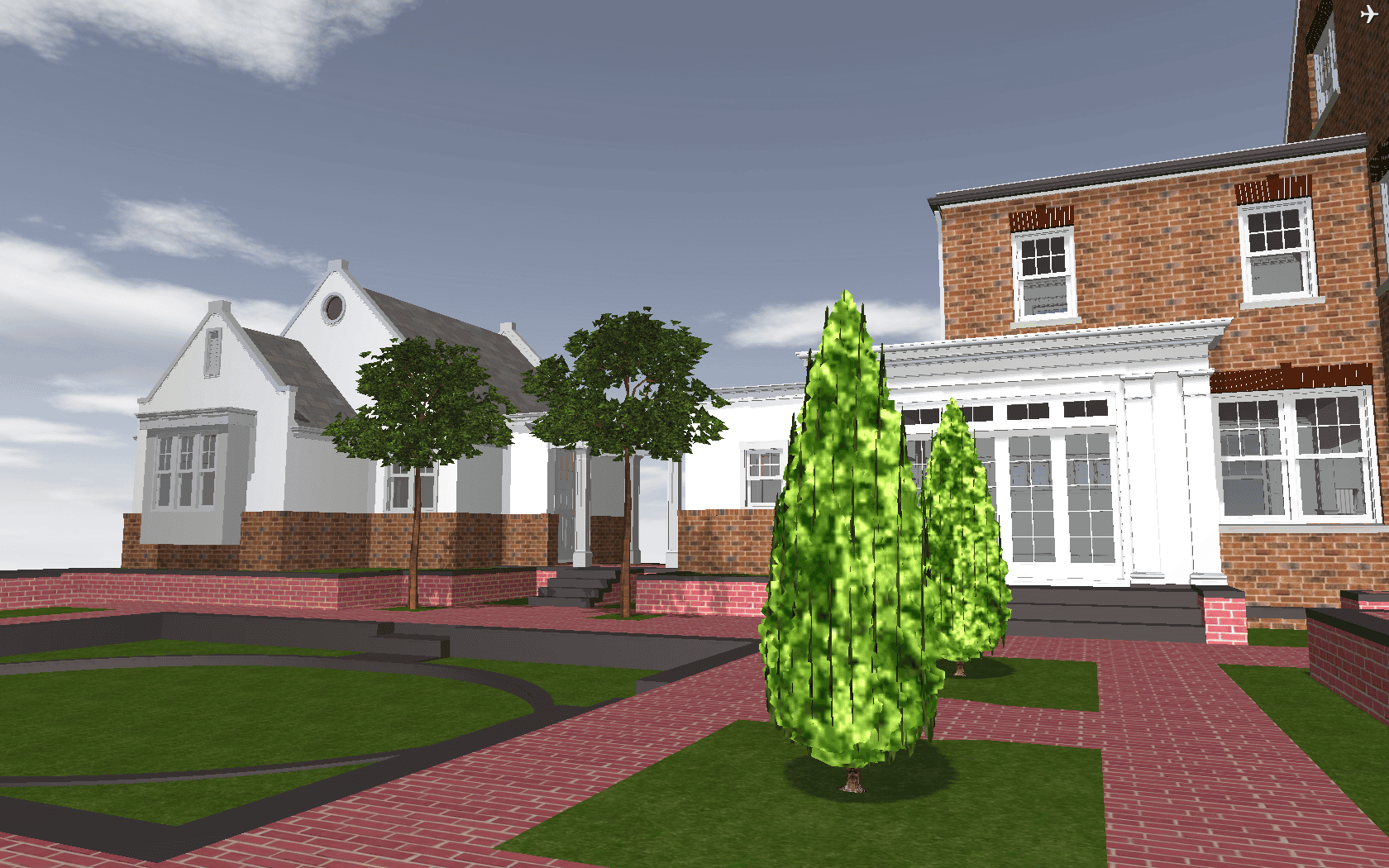
Here’s the link to the BIMx file download again
Want more about BIMx? You will enjoy these links:
http://blog.graphisoftus.com/graphisoft/100ks-of-bimx
http://blog.graphisoftus.com/archicad-user/some-bonus-material-from-my-last-post-about-bimx
http://www.archdaily.com/262367/expansion-of-communication-with-graphisoft-bimx/
7 thoughts on “Limiting Navigation in BIMx, finally we have complete control”
For reference / fun, here’s a link to an image of the completed project:
http://pinterest.com/pin/193162271489161617/
I love when the model and reality match so well.
Hi Jared,
May I know how to do this restricted view? is there any tutorial available?
Thanks
I would recommend searching the helpcenter website. I think this feature has changed slightly since I wrote this post.
Cool post Jared. Yes the new control will be valuable to practices as you say and make life easier for them to keep their own & their client’s focus on what’s at hand in the project.
May I ask a question that I co-incidentally started investigating this afternoon:
Would you know of a way to save a Gallery view / any camera position out to an image file?
I had just assumed that it would be possible and now that I came to a point in a project I wanted to quickly take some snap shots from my BIMx model to publish in a document.
Much to my surprise I had to find it somehow not possible. I work on a Windows 7 machine and both the “Print-Screen” function and the cool “Snipping Tool” not work and the clip board stays blank.
I am still hopeful to find a solution though. Any ideas?
Regards
Francois
Francois, thanks.
There is a way to save out images. Not directly from the Gallery, but you can go to the view you want (from the Gallery) then hit F5. A screenshot will then be saved to your hard drive. The location where it saves the screenshot is not obvious. On a mac it goes to Documents/BIMx/Screenshots. The images are good, especially for e-mails and webpages, but not great. Nothing I’d print out at a large scale.
While in BIMx, hit escape, then go to controls. You should be able to verify that screenshot is F5 on the PC too.
Hi Mr Jared , i think that BIMx as an explorer is the best in class but i see it should take advantages to be a rendering and animation tool dedicated to ArchiCAD but separated to focus to make ArchiCAD faster and more accurate especially in 3D modelling .
Pingback: GRAPHISOFT Releases Feature Upgrade to BIMx Mobile | Shoegnome